Kids guide
How to Make a Science Podcast for Kids: The "Science for Kids" Template
One curious question. Two friendly voices. A whole episode of "ohhh, that's why!"
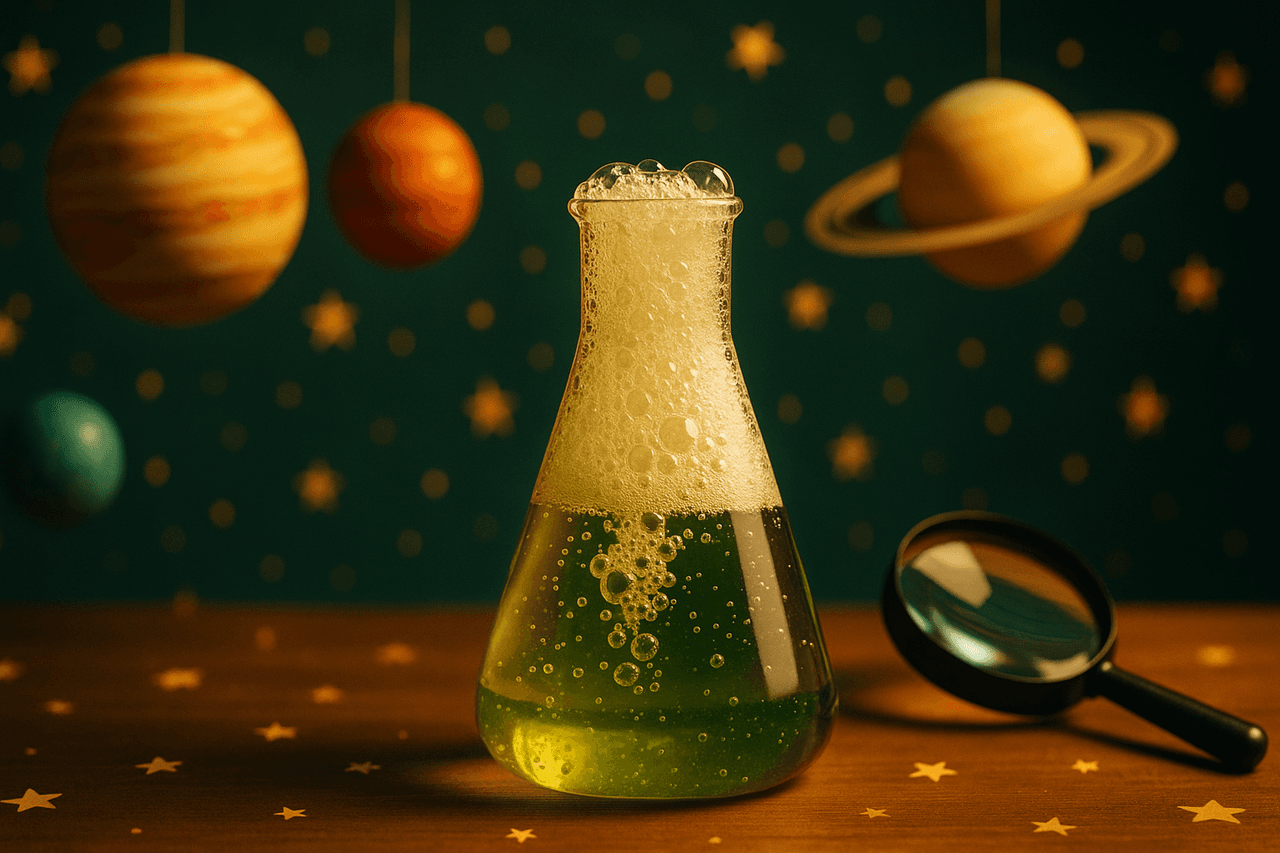
Turn one big "why" question into a warm, two-host science podcast for kids using a ready-made template you can run as-is or fully customize.
The Science for Kids template turns a single curious question, like "Why is the sky blue?" or "How do bees make honey?", into a warm, back-and-forth audio episode between a wide-eyed kid and a patient, smart friend who has the answers. It's built for the way children actually learn: one question at a time, with the grown-up voice explaining in plain language, the kid asking the follow-ups your listeners are already thinking, and a satisfying "now I get it" moment at the end.
It works because the format does the heavy lifting. You don't need a microphone, a co-host, or editing skills, and you don't need to flatten science into a dry lecture. The two-anchor dialogue keeps young attention spans hooked, while AI script generation keeps the facts tidy and age-appropriate. You bring the topic; the template brings the structure, the voices, and the polish.
How to make one with Pollinator Studio
- 1
Start from the Science for Kids template
In Pollinator Studio, open the template library and click the Science for Kids template (Kids category). One click loads the whole recipe: the two-host curious-kid format, the AI script prompt, default intro and outro, suggested music, and the default voices Puck (the curious kid) and Aoede (the smart friend). You can hit generate right away, or customize any part before you do.
- 2
Give it your science question or topic
Tell the template what this episode is about. Paste a topic like "What makes a rainbow?", drop in a URL to a kid-safe science article, or paste your own notes from a lesson plan. The AI script generator turns it into a natural dialogue: the kid asks, the friend explains step by step, with a little wonder along the way. For a series, run it once per question, like a weekly "Big Question" show.
- 3
Cast and tune your two hosts
Keep Puck and Aoede, or swap either one from the 73-voice library and preview before committing. For each host, set delivery and pace: dial the kid's voice slightly faster and brighter for excitement, and slow the friend's voice down a touch so explanations land clearly. This per-host control is what makes the conversation feel real instead of robotic.
- 4
Set the length and add pronunciation rules
Choose a target length, 3 to 5 minutes is a sweet spot for younger kids, longer for tweens. Add pronunciation rules for tricky science terms so "photosynthesis," "Jupiter," or a scientist's name is said correctly every time. Save rules at the workspace level once and they carry across every episode in your series.
- 5
Edit the script, music, and cover art
Read the generated script and tweak any line: simplify a definition, add a fun fact, or rewrite the intro and outro prompts ("Welcome back to Big Questions!"). Pick a light, playful background track from the 83-track licensed music and transitions library so it sets a curious mood without drowning out the voices. Then generate cover art with AI or upload your own bright, kid-friendly artwork.
- 6
Render, download, and publish
Hit generate and let the fast async render assemble the dialogue, music, and transitions into a finished MP3. Download it for a classroom or homeschool playlist, or use one-click RSS distribution to push your episode to Spotify, Apple Podcasts, and Amazon Music. Happy with your setup? Save it as your own custom template so the next "Big Question" episode is a one-click start.
Make it your own
The Science for Kids template is ready to use as-is — one click and you're generating. But every part is editable: swap any of the 73 AI voices and set each host's delivery and pace, change the background music, edit the AI script and intro/outro prompts, set the length, and add your own or AI-generated cover art. Use the Science for Kids template as-is, or change everything: swap either host from 73 voices, tune each host's delivery and pace, edit the AI script/intro/outro prompts, set the episode length, change the background music, add cover art, then save it all as your own reusable template.
Prefer to start from scratch? Build your own custom template and save your setup to reuse for every future episode.
Tips for a great kids episode
- Keep each episode to ONE question. "Why do we have seasons?" is a great episode; "everything about space" is a whole season. The single-question focus is what makes kids actually remember the answer.
- Let the kid host ask the dumb-on-purpose follow-ups, like "but WHY does it do that?" Those are the exact questions your young listeners are thinking, and answering them is where the learning sticks.
- Add pronunciation rules for every science term before you generate, not after. Fixing "nucleus" or "Saturn" once at the workspace level saves you re-rendering every episode.
- Pick warm, low-energy background music. Kids' science content competes with bedtime and car rides, so the audio should feel cozy and clear, never frantic.
- Once your voices, pace, music, and intro are dialed in, save it as a custom template. A weekly "Big Questions" series should take 2 minutes per episode, not 20.
What you can do with Pollinator Studio
- 100+ ready-made templates — one click to start
- 73 AI voices — preview + per-host delivery & pace
- AI script from a URL, pasted text, or a topic
- 83-track licensed music + transition library
- AI-generated (or upload your own) cover art
- One-click RSS distribution to Spotify, Apple & Amazon
Try the Science for Kids template free
30 minutes of audio per month. No credit card, no microphone.
Start freeFrequently asked questions
Is the science actually accurate and age-appropriate?
The AI generates kid-friendly explanations from your topic or source, but you stay in control. Always read and edit the script before rendering, simplify anything too advanced, and feed it a trusted source URL or your own lesson notes for the most reliable results.
Can I change the two default voices?
Yes. The template ships with Puck as the curious kid and Aoede as the smart friend, but you can swap either host from the 73-voice library, preview each one, and set individual delivery and pace so the kid sounds excited and the friend sounds calm and clear.
How long should a kids' science episode be?
For younger children, 3 to 5 minutes per question keeps attention high. For tweens you can go longer. You set the target length in the template, and the AI sizes the script to match.
Can I make a whole series of these?
Absolutely. Run the template once per question to build a "Big Questions" series. Save your customized version as your own template so each new episode is a one-click start with the same hosts, music, and intro.
Where can my listeners hear it?
Download the finished MP3 for a classroom or homeschool playlist, or use one-click RSS distribution to publish to Spotify, Apple Podcasts, and Amazon Music so families can subscribe.