Kids guide
Bilingual Storytime for Kids: Make Two-Language Bedtime Stories in Minutes
One story, two languages, side by side, ready before bedtime.
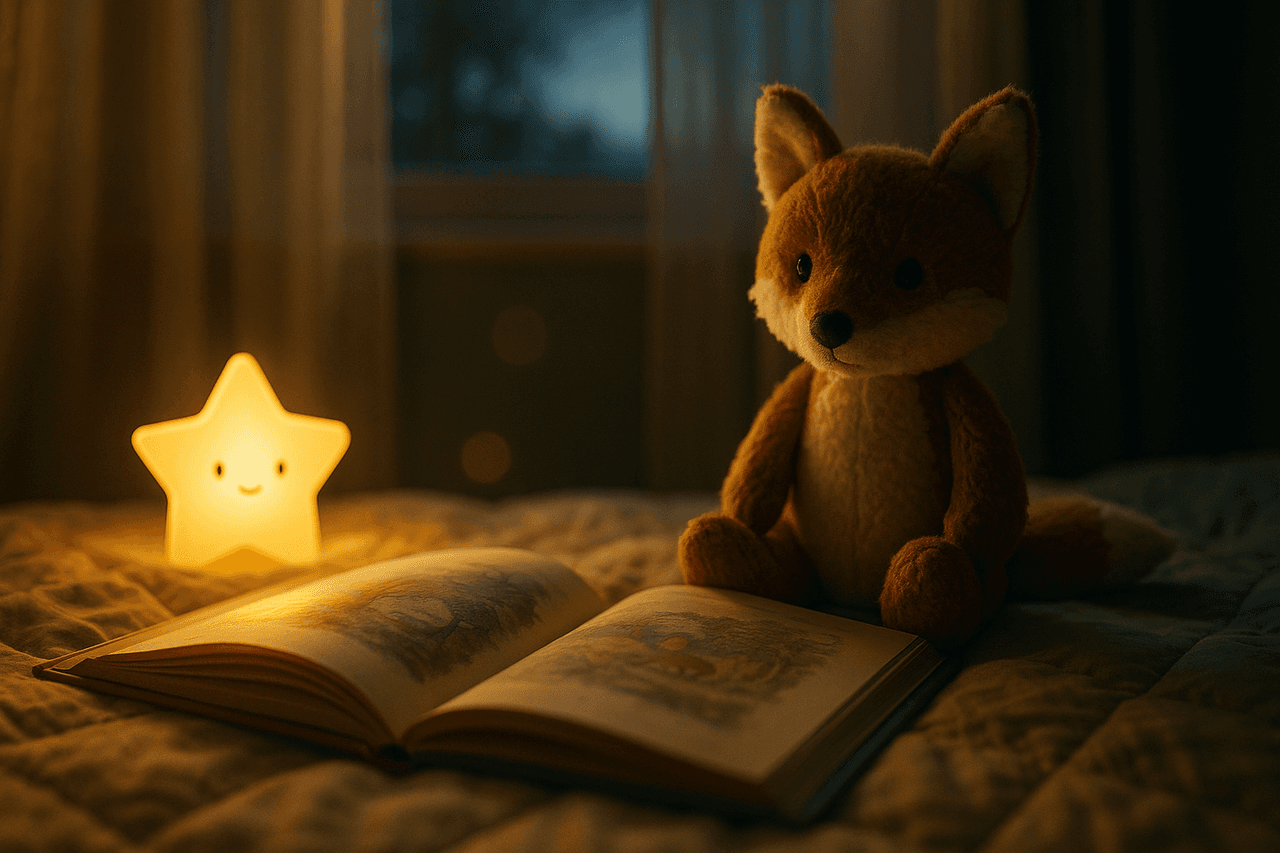
A step-by-step guide to creating a bilingual storytime audio for kids using the ready-made Bilingual Storytime template. Pick a story, set your two languages, choose warm narrator voices, and export a side-by-side, sentence-by-sentence story your child can listen to at bedtime or on the drive home.
Bilingual Storytime turns a single short tale into a gentle two-language listen: each line is told first in one language, then in the other, so little ears hear the same idea twice and start to map words across both tongues. It is the easiest way to keep a heritage language alive at bedtime without hunting for the perfect dual-language picture book.
It works because repetition with meaning is how young children actually acquire language. Hearing 'The little fox was sleepy' immediately followed by the same line in Spanish, Mandarin, or Tagalog gives the brain a built-in translation, wrapped in a warm narrator's voice and soft music. The ready-made template does the structuring for you, so you only bring the story idea.
How to make one with Pollinator Studio
- 1
Start from the Bilingual Storytime template
From the Kids category, click the pre-built Bilingual Storytime template to open it in one click. It comes pre-structured for side-by-side, line-by-line narration in two languages, with sensible warm voices and gentle music already selected. You can generate a story with it as-is right now, or customize any part in the steps below. If you build something you love, save it as your own custom template to reuse every night.
- 2
Set your two languages and the story idea
Choose your language pair (for example, English + Spanish, or English + Mandarin) and give the AI a simple prompt for the story: a topic like 'a brave little turtle who learns to share,' a pasted short tale you already wrote, or a URL to a public-domain fable. The AI script generation builds the story and produces each beat in both languages, line by line, so the two versions stay perfectly matched.
- 3
Pick a warm voice for each language
Preview from 73 AI voices and assign one narrator to each language so kids can tell them apart. Pick a soft, soothing voice for the home language and a clear, friendly voice for the second language. Use the per-host delivery and pace controls to slow the first language down for comprehension and keep the second bright and gentle, exactly like a patient parent reading aloud.
- 4
Tune the script, length, intro and outro
Edit the AI script directly to swap in your child's name, a favorite animal, or a familiar place. Adjust the intro prompt to open with a cozy greeting ('Snuggle in, it's storytime') and the outro to close with a goodnight in both languages. Set the length to match the moment: 3 to 5 minutes for a wind-down, a touch longer for a car ride.
- 5
Choose music and cover art
Pick a soft lullaby-style bed from the 83-track licensed music and transitions library so the story floats over calm background sound, and set the volume low enough that the narration stays front and center. Then generate cover art with the AI (a sleepy fox under stars works beautifully) or upload your own family illustration so the episode looks as warm as it sounds.
- 6
Render, listen, and share
Render the audio with fast async processing, then play it back to check that both languages land clearly and the pacing feels gentle. Download the MP3 to keep on a phone or tablet for offline bedtimes, or use one-click RSS distribution to publish a recurring story series to Spotify, Apple Podcasts, and Amazon Music for the whole family to follow.
Make it your own
The Bilingual Storytime template is ready to use as-is — one click and you're generating. But every part is editable: swap any of the 73 AI voices and set each host's delivery and pace, change the background music, edit the AI script and intro/outro prompts, set the length, and add your own or AI-generated cover art. Use Bilingual Storytime exactly as-is for a quick bedtime story, or tailor every part: swap either narrator from 73 voices, set each voice's delivery and pace (slow and soothing for the home language, clear and bright for the second), edit the AI script and intro/outro prompts to feature your child's name or a favorite animal, change the background music, set the length to fit nap time or a car ride, add your own cover art, and save it all as a reusable custom template for a story-a-night series.
Prefer to start from scratch? Build your own custom template and save your setup to reuse for every future episode.
Tips for a great kids episode
- Keep each story to 3-5 minutes for toddlers and preschoolers — long enough to enjoy the repetition, short enough to hold attention right before sleep.
- Use pronunciation rules at the workspace or project level to lock in names, places, and tricky heritage-language words so they're said correctly every single time.
- Slow the home-language narrator's pace slightly more than the second language; the extra beat helps young listeners catch the words they're still learning.
- Reuse the same two narrator voices across every story so kids associate each voice with each language — consistency builds recognition faster than variety.
- Save your finished setup as a custom template, then change only the story prompt each night to spin up a fresh bilingual tale in under a minute.
What you can do with Pollinator Studio
- 100+ ready-made templates — one click to start
- 73 AI voices — preview + per-host delivery & pace
- AI script from a URL, pasted text, or a topic
- 83-track licensed music + transition library
- AI-generated (or upload your own) cover art
- One-click RSS distribution to Spotify, Apple & Amazon
Try the Bilingual Storytime template free
30 minutes of audio per month. No credit card, no microphone.
Start freeFrequently asked questions
Which two languages can I use for the storytime?
You can pair any two languages your story prompt is written for — common choices include English with Spanish, Mandarin, French, Tagalog, Hindi, or Arabic. The AI generates each line in both languages, and you assign a separate narrator voice to each so they stay easy to tell apart.
How does the side-by-side format actually sound?
Each beat of the story is told first in one language, then immediately repeated in the other. Kids hear the meaning twice with no gap, which acts like a built-in translation and reinforces vocabulary in both languages at once.
Can I use my child's name and our own little family details?
Yes. Edit the AI script directly or adjust the intro and outro prompts to include your child's name, a favorite stuffed animal, or a familiar setting. You can also paste a story you wrote yourself instead of generating one.
Is the background music safe to publish?
Yes. The 83-track music and transitions library is licensed for use in your projects, so you can download the MP3 or distribute the story series to Spotify, Apple Podcasts, and Amazon Music without worrying about music rights.
Can I make a whole bedtime series instead of one story?
Absolutely. Save your finished voices, music, and settings as a custom template, then create a new episode each night by changing only the story prompt. With RSS distribution you can publish them as an ongoing show the family subscribes to.