Repurposing guide
How to Turn Your Newsletter into a Listenable Audio Episode
Give every issue a voice.
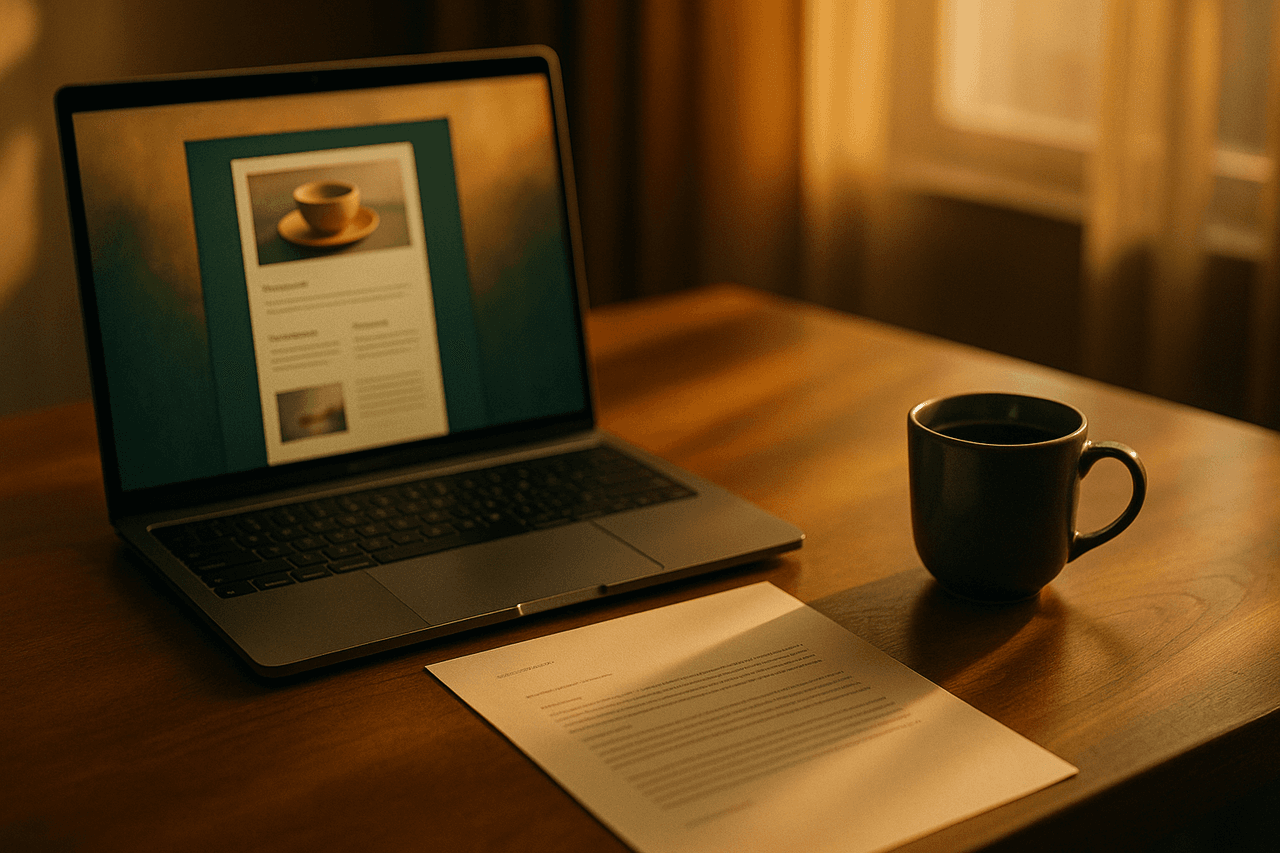
Convert any Substack, blog, or newsletter issue into a warm, listenable audio episode in minutes using the Newsletter to Audio template.
Your newsletter already does the hard part: the thinking, the reporting, the voice. But a growing slice of your audience would rather listen on a commute, a walk, or while doing dishes than read another tab. The Newsletter to Audio template closes that gap. It takes any Substack issue, blog post, or email newsletter and turns it into a clean, listenable audio episode you can ship in minutes.
It works because the template is tuned for narration, not improv. It reads like the human-narrated 'listen to this post' button you've seen on bigger publications, but you don't need a studio, a microphone, or an editing afternoon. Paste your issue, pick a voice, and render. The default voice, Aoede, is a warm, even-paced narrator that suits long-form prose, essays, and reported pieces.
How to make one with Pollinator Studio
- 1
Open the Newsletter to Audio template
From your creator workspace, choose the pre-built Newsletter to Audio template to start in one click. It comes pre-wired for single-narrator prose with the Aoede voice and a sensible structure, so you can render a listenable episode immediately, or fine-tune any part before you do. Nothing here is locked, the template is a starting point you fully control.
- 2
Bring in your newsletter content
Feed in the issue you want narrated. Paste the full text of a Substack post or email, drop in a published blog URL to have it pulled automatically, or type a topic if you want the AI to draft fresh narration. For most makers, paste or URL is the move, it keeps your exact words, structure, and voice intact.
- 3
Shape the script, intro, and outro
The template generates a narration-ready script from your source. Edit it directly to trim the parts that only make sense in print, like 'click the button below.' Adjust the AI intro prompt to add a quick welcome ('You're listening to this week's issue of...') and the outro to point listeners back to your inbox or to subscribe. Set your target length so a 1,200-word essay stays tight rather than padded.
- 4
Pick the voice and dial in delivery
Aoede is the warm default and a strong fit for essays and reported pieces. Preview it, or swap in any of 73 voices to match your brand, then set the delivery style and pace, slower and more deliberate for reflective writing, a touch brisker for news-style roundups. If you ever run multiple narrators, you can add up to four anchors and tune each one independently.
- 5
Add music, cover art, and pronunciation rules
Choose a background bed and transitions from the 83-track licensed library to give the episode a finished feel, keep it subtle under spoken narration. Generate or upload cover art so the episode looks like a real release. Add pronunciation rules for the names, brands, and jargon your newsletter uses often so the narrator nails them every time, and those rules carry across future episodes.
- 6
Render, then publish or save your template
Render the episode with fast async processing and download the MP3 to embed at the top of your post or attach to your email. Or push it out with one-click RSS distribution to Spotify, Apple Podcasts, and Amazon Music to launch a companion audio feed. Happy with the setup? Save it as your own custom template so every future issue takes seconds, not minutes.
Make it your own
The Newsletter to Audio template is ready to use as-is — one click and you're generating. But every part is editable: swap any of the 73 AI voices and set each host's delivery and pace, change the background music, edit the AI script and intro/outro prompts, set the length, and add your own or AI-generated cover art. Use it as-is for an instant narrated version, or tailor everything: swap Aoede for any of 73 voices, set delivery and pace, change the AI script and intro/outro prompts, add background music and cover art, set the length, then save it as your own reusable template.
Prefer to start from scratch? Build your own custom template and save your setup to reuse for every future episode.
Tips for a great repurposing episode
- Strip print-only phrases before rendering, lines like 'see the chart above' or 'reply to this email' read awkwardly aloud. A quick script pass makes the audio sound native to listening.
- Use the intro prompt to date-stamp each episode ('the May 14th issue') so a back catalog stays browsable and listeners always know which issue they're on.
- Keep background music well below the narration, or skip it for dense essays. Spoken-word repurposing lives or dies on intelligibility, not vibe.
- Build a pronunciation rule list for your recurring subjects, founder names, product names, acronyms, so you never re-fix the same word twice.
- If you publish weekly, save your finished setup as a custom template, then your whole audio workflow becomes paste-and-render every week.
What you can do with Pollinator Studio
- 100+ ready-made templates — one click to start
- 73 AI voices — preview + per-host delivery & pace
- AI script from a URL, pasted text, or a topic
- 83-track licensed music + transition library
- AI-generated (or upload your own) cover art
- One-click RSS distribution to Spotify, Apple & Amazon
Try the Newsletter to Audio template free
30 minutes of audio per month. No credit card, no microphone.
Start freeFrequently asked questions
Can I narrate a paid Substack or members-only post?
Yes. Paste the full text directly into the template rather than using a URL, paywalled posts can't be auto-fetched, but pasted content works exactly the same. You keep your words verbatim and control how much of the issue gets narrated.
Will the audio match my writing or sound robotic?
The Aoede default is a warm, natural narrator built for long-form prose, and you can preview it before committing. Editing the generated script and setting the delivery and pace lets you match the cadence of your writing closely. Many makers test two or three voices on one issue, then lock their favorite into a saved template.
How long should a newsletter audio episode be?
Match it to the read. A typical 1,000 to 1,500 word issue lands around 6 to 12 minutes of audio. Set a target length in the template so the script stays tight to your actual content instead of being padded out.
Do I have to start a podcast feed to use this?
No. You can simply download the MP3 and embed it at the top of your post or attach it to your email send. If you do want a companion audio feed, one-click RSS distribution to Spotify, Apple Podcasts, and Amazon Music is there when you're ready.
What's the fastest way to do this every week?
Set up your voice, intro/outro prompts, music, and pronunciation rules once, then save it as your own custom template. After that, each new issue is paste, glance at the script, and render.