Events guide
Trade Show Highlights: Build an AI Audio Floor Recap of Booths, Products & Deals
The floor, walked and recapped — booths, products, and the deals worth knowing.
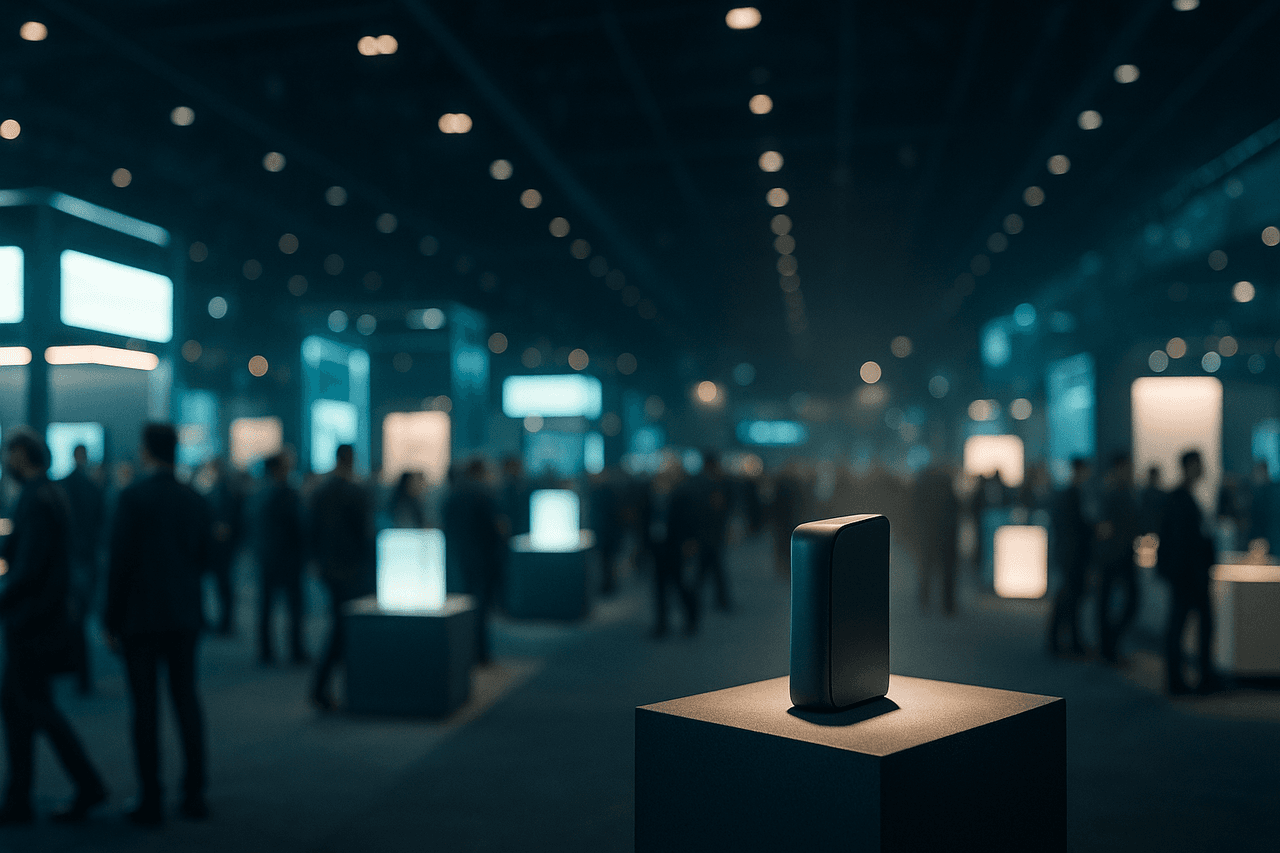
A ready-to-run template that turns a trade show floor into a tight audio recap — the standout booths, the products that turned heads, and the deals actually worth chasing. Drop in your show notes, press releases, or a list of exhibitor URLs, pick your hosts, and render a sharable MP3 your team or audience can play on the drive home.
A trade show is a firehose. Hundreds of booths, dozens of product launches, a stack of press releases, and a head full of half-remembered conversations — and by the time you're back at the hotel, the details have already started to blur. Trade Show Highlights turns that chaos into a clean audio recap: a guided floor walk-through that names the booths worth a second look, the products that actually moved the needle, and the show-only deals worth chasing before they expire.
It works because audio is how busy event people already consume the day — in the rideshare, at the airport gate, between meetings. Instead of a 2,000-word wrap-up nobody opens, you ship a five-minute recap two hosts can banter through, with the standout exhibitors front and center. Paste your notes or exhibitor links, and the template does the structuring, the script, and the render for you.
How to make one with Pollinator Studio
- 1
Start from the Trade Show Highlights template
From the template gallery under Events, open Trade Show Highlights with one click — no blank page, no setup. It arrives pre-wired with a floor-walk structure (cold open, top booths, breakout products, deals worth knowing, sign-off), two hosts, a licensed music bed, and intro/outro prompts already written for event coverage. Run it as-is for your first pass, then customize anything that doesn't fit your show.
- 2
Feed it the floor
Drop in your raw material the way you actually captured it: paste your booth notes and voice-memo transcriptions, drop a list of exhibitor or press-release URLs to pull product details from, or just type the topic (e.g., 'CES 2026 smart-home highlights, day two'). For trade pubs running daily coverage, the newsroom edition can connect an RSS, WordPress, or JSON feed of the show's press wire and schedule a fresh recap every morning of the event with auto-publish.
- 3
Cast your two hosts
Pick voices from the 73-voice catalog and preview each before committing. A natural pairing for a floor recap is one anchor who frames the show and one analyst who reacts to the gear — set the anchor's pace a touch brisker for the rundown and slow the analyst slightly for the 'here's why it matters' beats. Add a third or fourth host (up to four) if you want a roving correspondent calling out a specific hall.
- 4
Tune the script, length, and pronunciation
Edit the AI script prompt to steer tone — skeptical buyer's-guide energy, upbeat launch hype, or neutral trade-press coverage. Set the target length (a 4-6 minute recap is the sweet spot for a single day). Add pronunciation rules at the workspace or project level so booth brands, product SKUs, and exhibitor names land correctly every time — invaluable when half the floor is acronyms and made-up product names.
- 5
Dress it and render
Generate cover art from a prompt (think expo hall, signage, product spotlights) or upload your event's key art. Keep the default transitions or swap in a punchier bed from the 83-track music library to match the energy of the show. Then render — the async engine builds your MP3 in the background while you move on to writing the next segment.
- 6
Ship it and save your template
Download the finished MP3 to share in Slack, email, or your sales channel, or push it straight to Spotify, Apple Podcasts, and Amazon Music via one-click RSS distribution for a public show-coverage series. Finally, hit Save as Template to lock in your hosts, music, length, and prompts — so day three, the next expo, or next year's edition is genuinely one click.
Make it your own
The Trade Show Highlights template is ready to use as-is — one click and you're generating. But every part is editable: swap any of the 73 AI voices and set each host's delivery and pace, change the background music, edit the AI script and intro/outro prompts, set the length, and add your own or AI-generated cover art. Use Trade Show Highlights exactly as shipped, or remake it end to end: swap any of the 73 AI voices and set each host's delivery and pace, change the background music bed and transitions, rewrite the AI script, intro, and outro prompts, set the run length, and generate or upload cover art. Happy with your version? Save it as your own custom template so next year's show — or the next city on the tour — is one click away.
Prefer to start from scratch? Build your own custom template and save your setup to reuse for every future episode.
Tips for a great events episode
- Lead with the deals. Booth tours blur together, but 'show-only 20% off, ends Friday' is what makes people replay the recap — put the deals worth knowing in the back third and tease them in the cold open.
- Name names and numbers. Feed the script exhibitor booth numbers ('Hall 3, Booth 412') and exact model names so the recap doubles as a navigation guide for anyone still on the floor.
- Use pronunciation rules before your first render, not after. Trade-show floors are wall-to-wall brand names and SKUs — adding the rules up front saves you a re-render when 'Aiper' or 'NVIDIA' comes out wrong.
- Keep it to one day per episode for multi-day shows. A daily recap series (newsroom edition, auto-published each morning) outperforms one giant wrap-up and keeps each episode skimmable.
- Set distinct delivery per host. A brisker anchor for the rundown and a slower, drier analyst for reactions makes a two-person recap feel like real coverage, not a list read aloud.
What you can do with Pollinator Studio
- 100+ ready-made templates — one click to start
- 73 AI voices — preview + per-host delivery & pace
- AI script from a URL, pasted text, or a topic
- 83-track licensed music + transition library
- AI-generated (or upload your own) cover art
- One-click RSS distribution to Spotify, Apple & Amazon
- Schedule daily/weekly auto-generation + auto-publishing from your feed
Try the Trade Show Highlights template free
30 minutes of audio per month. No credit card, no microphone.
Start freeFrequently asked questions
Can I cover a multi-day show without re-doing everything?
Yes. Run the template once, customize hosts/music/length, then Save as Template. Each day, open your saved version and feed it that day's notes or press wire — it's one click to start. In the newsroom edition you can connect the show's RSS/WordPress/JSON feed and schedule a daily recap with auto-publish.
What's the best source to feed it — my notes or exhibitor links?
Both work. Pasted booth notes and voice-memo transcripts give the most authentic 'I was there' coverage; exhibitor and press-release URLs are best for accurate product specs, pricing, and launch details. Many makers combine the two: links for facts, notes for color and opinion.
How long should a trade show recap be?
Four to six minutes per show day is the sweet spot — long enough to cover the top booths, a few breakout products, and the deals, short enough to finish on a rideshare to the airport. Set your target length before rendering; the script generator sizes the content to fit.
Will product names and booth brands be pronounced correctly?
They will if you add pronunciation rules at the workspace or project level before rendering. Trade shows are full of invented brand names and SKUs, so define the tricky ones once and every episode you produce from the template inherits them.
Can I publish this as a public show-coverage series?
Yes. Download the MP3 to share privately, or use one-click RSS distribution to push episodes to Spotify, Apple Podcasts, and Amazon Music. A daily recap series during a major expo is a strong way for trade publications and organizers to reach attendees who couldn't see every hall.